MetaCerberus Tutorial - Running the Pipeline
After installation is complete, databases are downloaded, and you’ve executed conda activate MetaCerberus-1.3.1, it’s time to run MetaCerberus. This tutorial gives an example run through using a fasta file of the complete Lambda phage genome.
Step 1: Initializing the Pipeline
Tip
Know where your input file(s) are and where you want to place your results folder. If --dir-out /path/to/results/folder is not used, then MetaCerberus defaults to creating a results folder in the directory where metacerberus.py was ran.
Here’s the command I’m using to run the Lambda phage genome:

I’m using
--super /path/to/input/fileso that MetaCerberus will run both FragGeneScan and Prodigal on this file.--dir-outis used to tell MetaCerberus where to output the results.
A detailed list of options for MetaCerberus can be found here.
Once you have your command prepared, let’s run MetaCerberus. After you enter your command, the pipeline output looks like so:
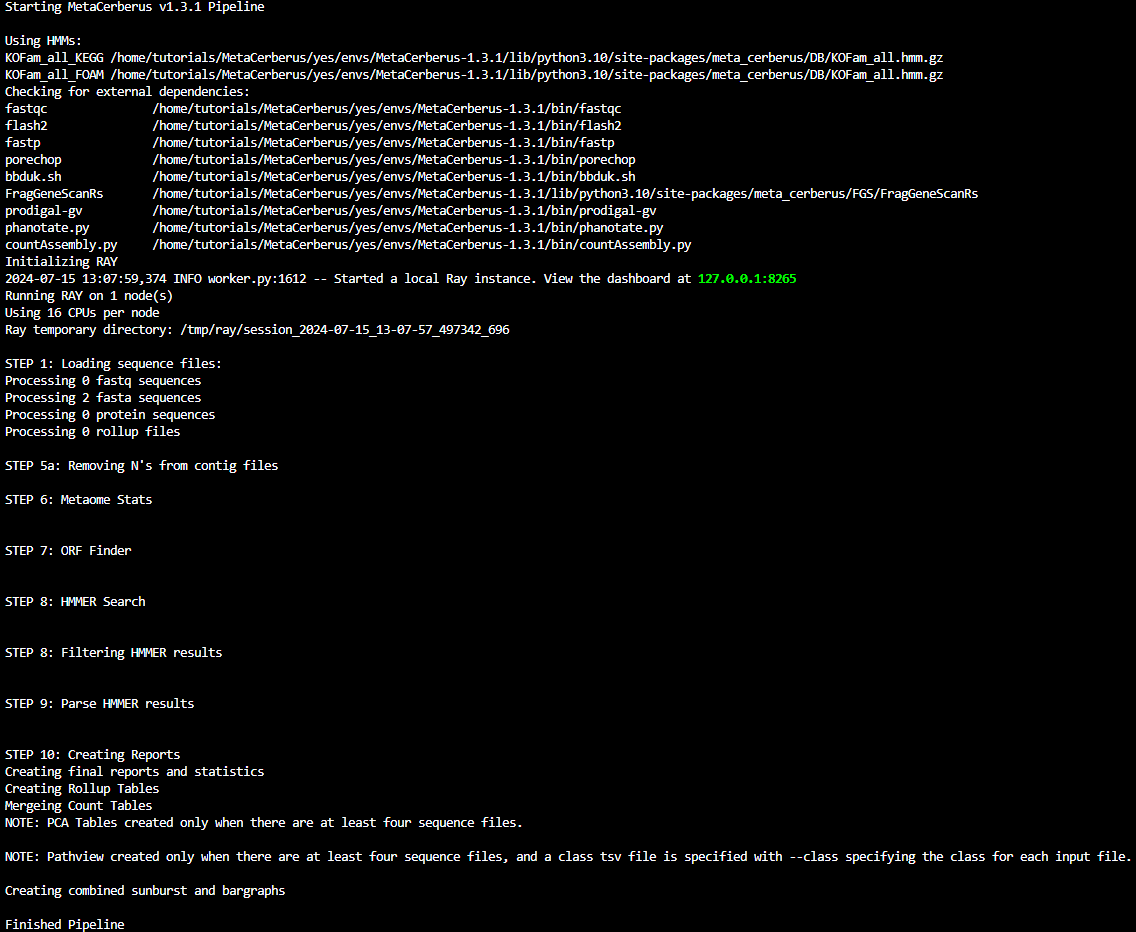
Once finished, the bottom of your prompt screen will show:
